From the assessment
to the next step.
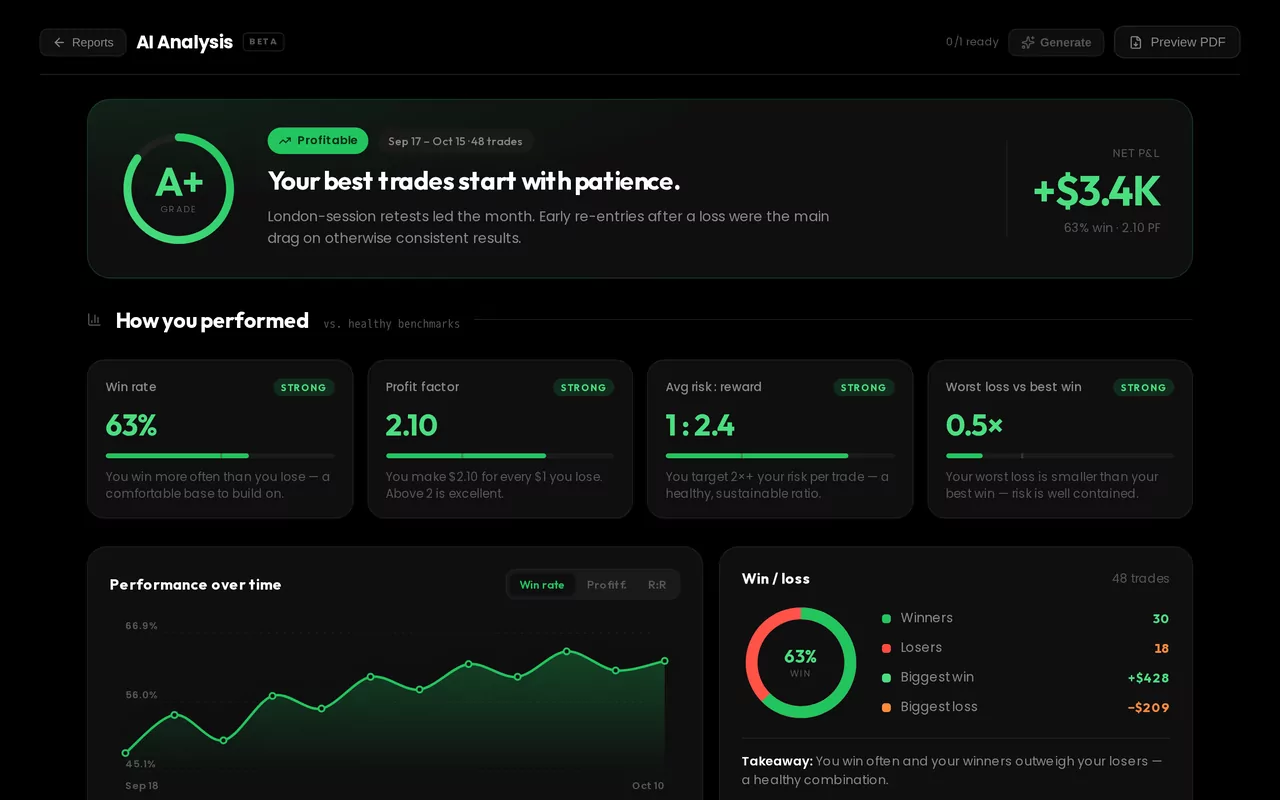
A report brings your performance metrics and trading patterns into one review.
Inside a report
Read the result.
Understand the context.
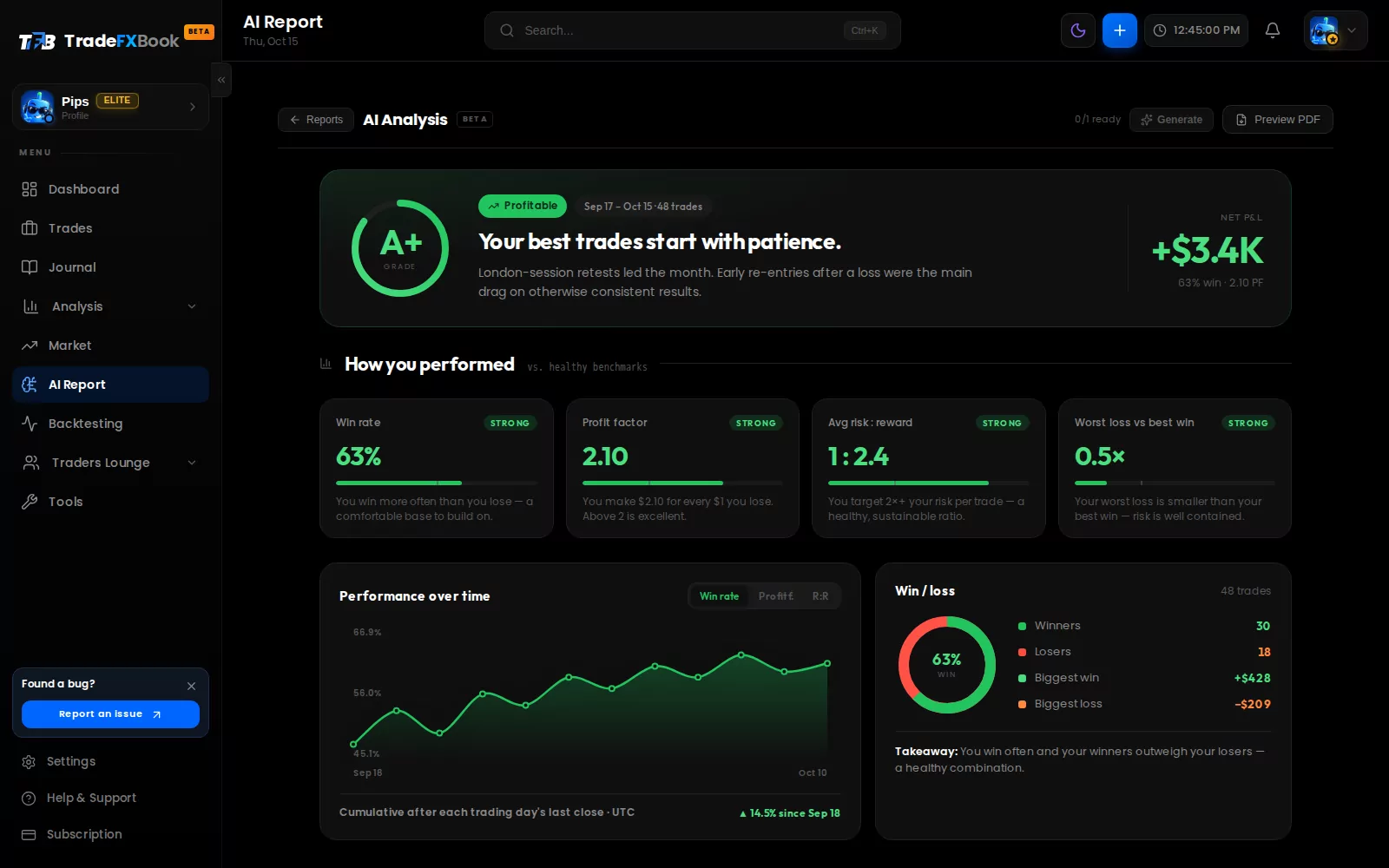
Start with an overall assessment and letter grade. Compare the report's metrics with benchmarks and follow the recorded performance trend.
- Win rate and profit factor
- Average risk to reward
- Worst loss compared with best win
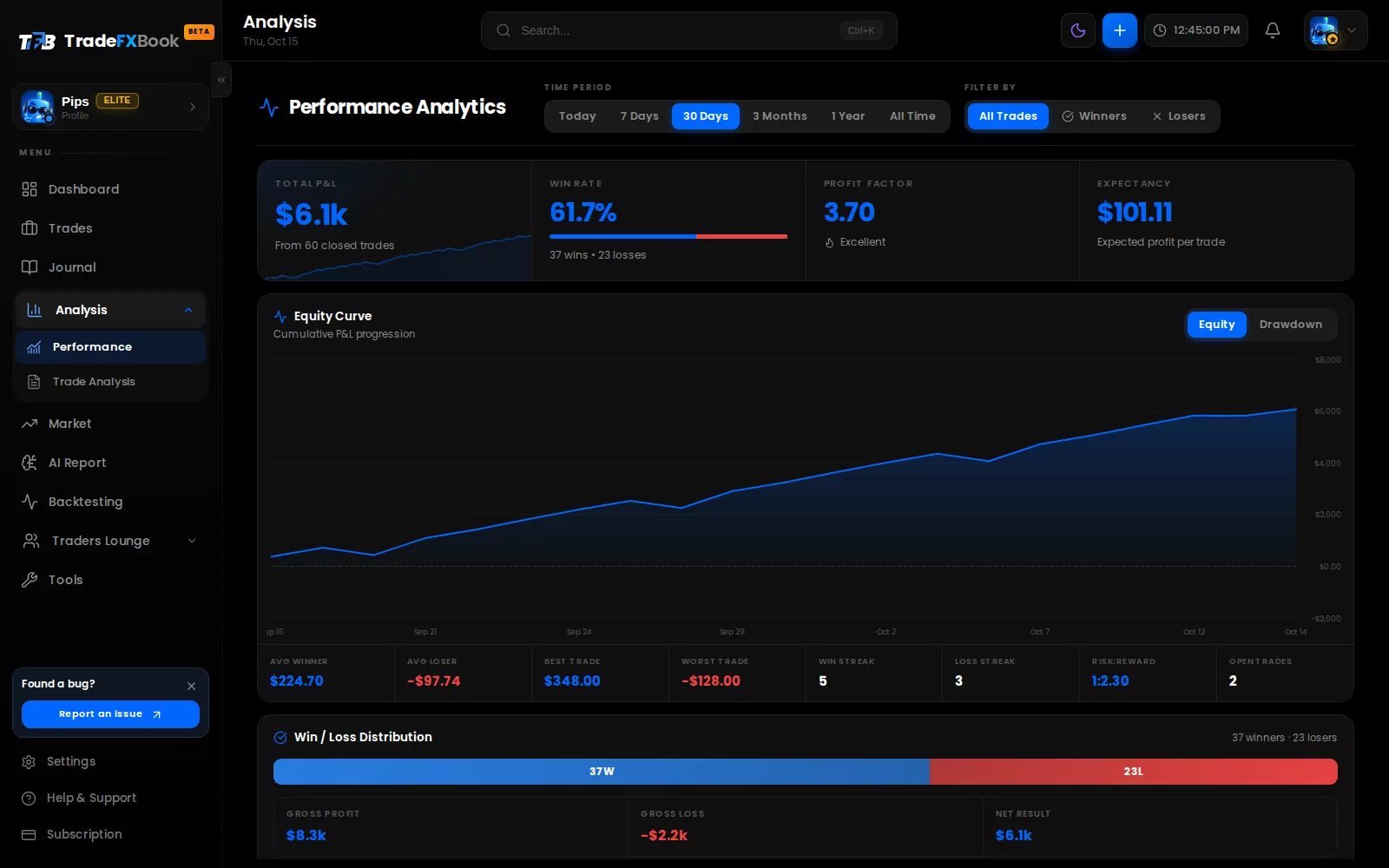
Explore the underlying analytics →
 ↗
Make space
for a weekly review.
Choose an account and period
Choose an eligible connected account: weekly or monthly on Pro; Elite adds 3 months, year to date and all time.
Read the findings
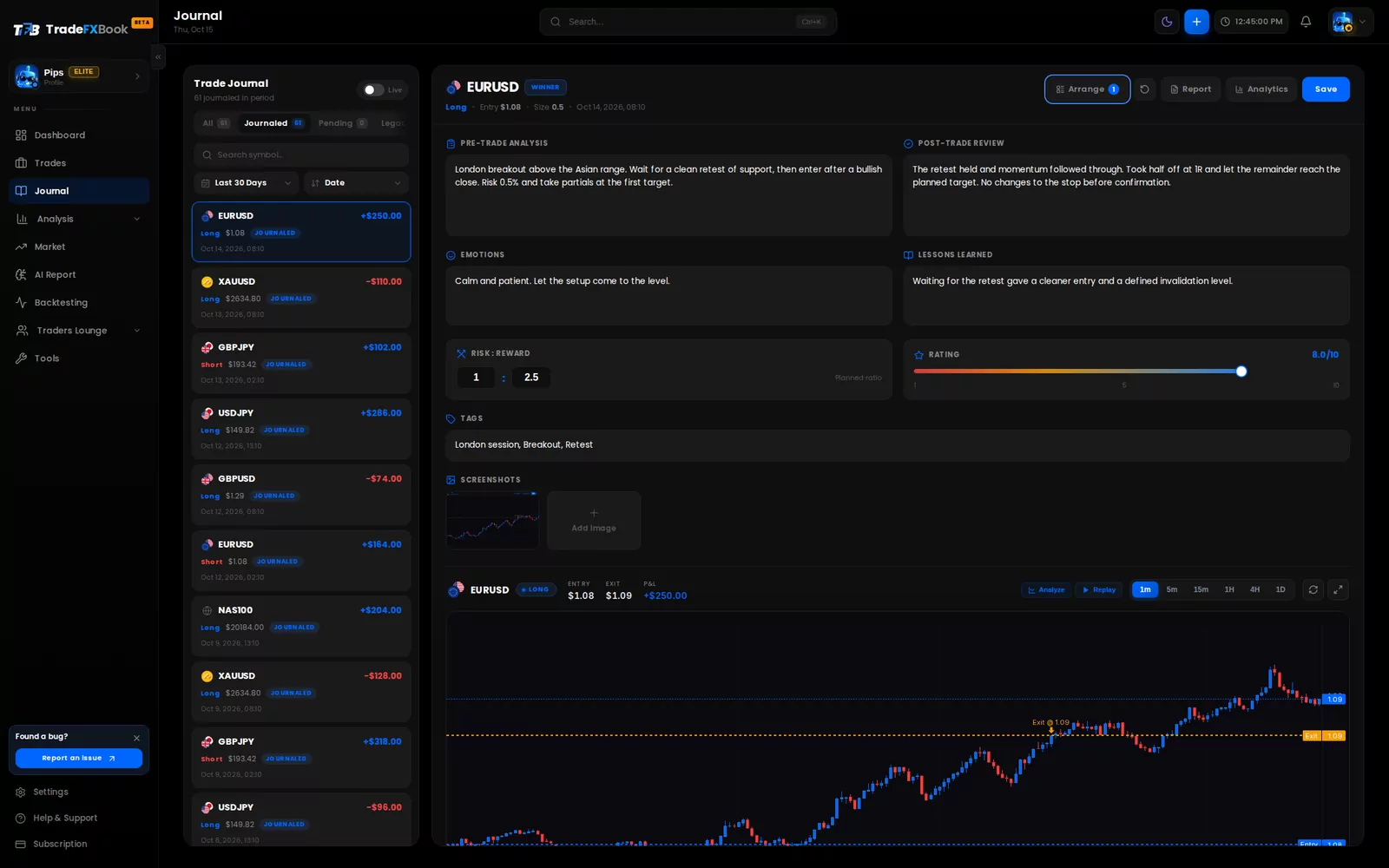
Review the assessment, metrics and suggested actions together. Bring your own journal context to the conclusions.
Keep it for the next review
Reopen saved reports from your report history or export a report to PDF.
Findings you can
take back to the journal.
The review can include these sections, depending on the report's findings.
- Strengths and patternsReview what works, pattern frequency and impact, and what needs attention.
- BlindspotsRead the evidence and suggested fixes.
- Losing trades and rule violationsCompare the report's worst trades and identified violations with your journal notes.
- A prioritized action planEach action includes a reason, priority and measure of success.
Report details
Before you
generate a report.
Which plans include AI trading reports?
Pro and Elite include 1 AI trading report per account per week. Pro supports up to 3 connected MT4 or MT5 accounts; Elite supports unlimited MT4 or MT5 accounts. AI reports are not included on Free.
Is the report period the same as the weekly limit?
No. The period selects the trading history to review. The allowance controls how often you can generate a report for an account. Choosing a monthly period still uses that account's weekly report allowance.
Does this include AI economic event analysis?
Your trading, on the recordRead the report.
Choose your next step.
Get started ↗AI trading reports are included with Pro and Elite.