Start with the record.
Ask a better question.
A screenshot of a winning trade shows one outcome. A useful mentoring conversation needs the plan, the risk, the exit decision and the trades around it. Ask a student to bring a complete review period, including ordinary trades and losses, so the discussion does not depend on a few selected highlights.
Agree on the question before opening the account. “Are my entries matching my written setup?” gives both people something to inspect. Read the student’s explanation before suggesting a different strategy. The immediate aim is a decision they can recognise and practise on their own.
- Prepare the student’s notesAsk for the original entry reason, chart context, exit reason and any rule they changed while in the trade.
- Choose a useful sampleInclude a planned loss, a disciplined win and an entry with a deviation where available. Discuss the decision behind each.
- Check the surrounding tradesLook at size, frequency and what happened after a loss. A single trade can hide a pattern across the account.
- End with a repeatable actionAgree on a specific behaviour to practise and what evidence the student should bring to the next review.
Share for the review.
Keep access deliberate.
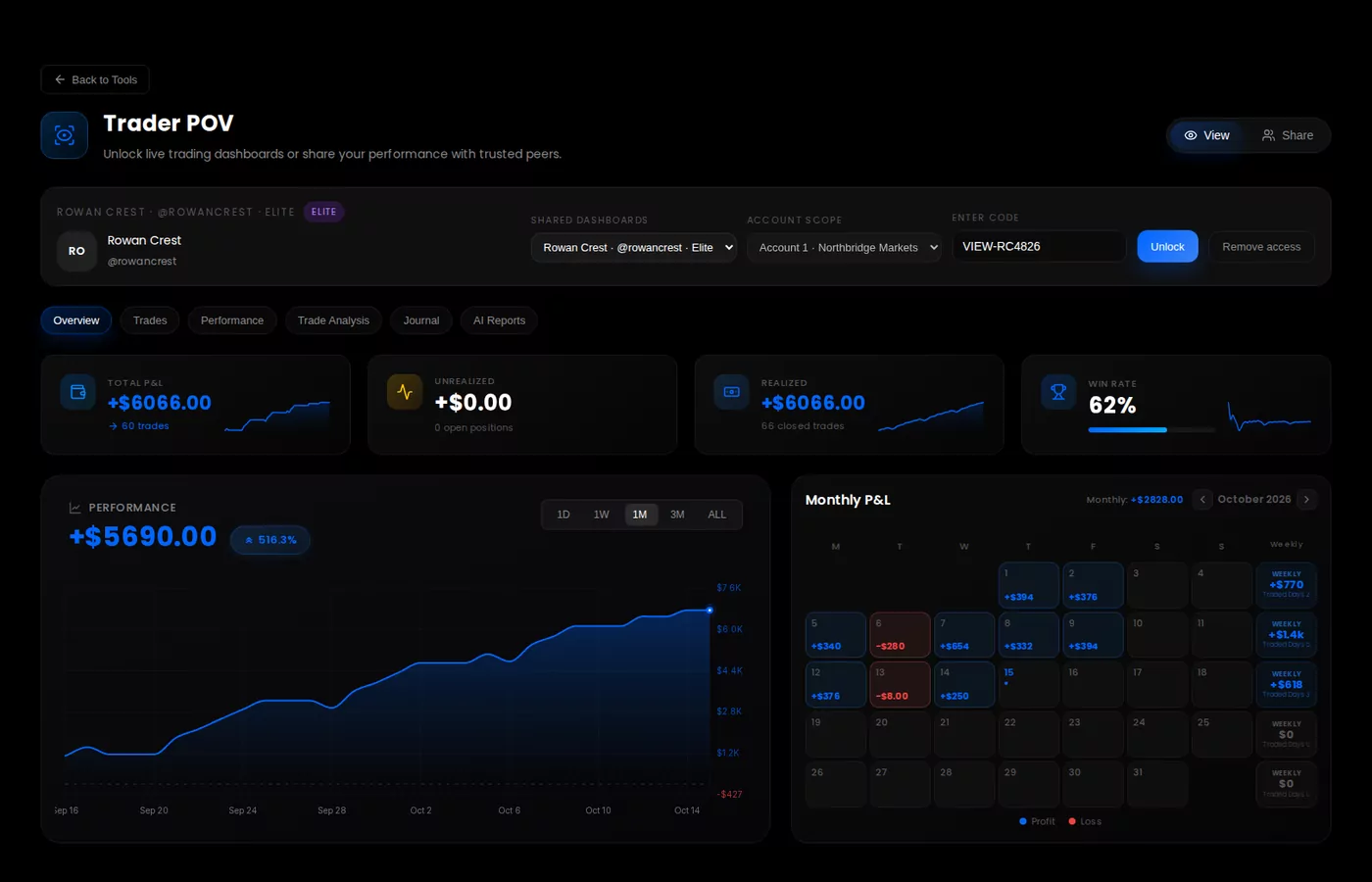
Trader POV lets an account owner share one connected account with one viewer through a code. The viewer gets read-only access to the shared dashboard, trades, performance and journal. The student keeps control of the account and can revoke access.
Choose the 5-hour or 24-hour access window to fit the conversation, and check the P&L visibility choice before sharing. Treat the code as access to that review, rather than posting it to a whole community. A reviewer can open a valid code on any plan, including Free.
Trader POVRead the account
with the student.
The example shared dashboard gives the review a starting point. Follow the results into the trades and journal while the student explains the decisions.
See account sharing →
 ↗
Keep the conversation
attached to evidence.
| Review step | Ask the trader | Look for |
|---|
| Explain the plan | What had to happen before you could enter? | A condition written before the outcome was known. |
|---|
| Compare execution | Where did the actual trade differ? | The entry, size, stop or exit decision that changed. |
|---|
| Review the pattern | Does this happen in other trades? | Related journal entries, setup tags and performance context. |
|---|
| Set the next practice | What will you do when this situation returns? | A concrete action and a clear way to review it. |
|---|
On a phone, scroll the table sideways.
Keep your feedback about an observable decision. “You chased the entry after your planned level had gone” is more useful than a label about someone’s personality. Ask the student to write the conclusion in their own words so the next review starts from the same understanding.
For a group discussion, share only what the trader has agreed to show. Temporary account access and a public conversation serve different purposes.
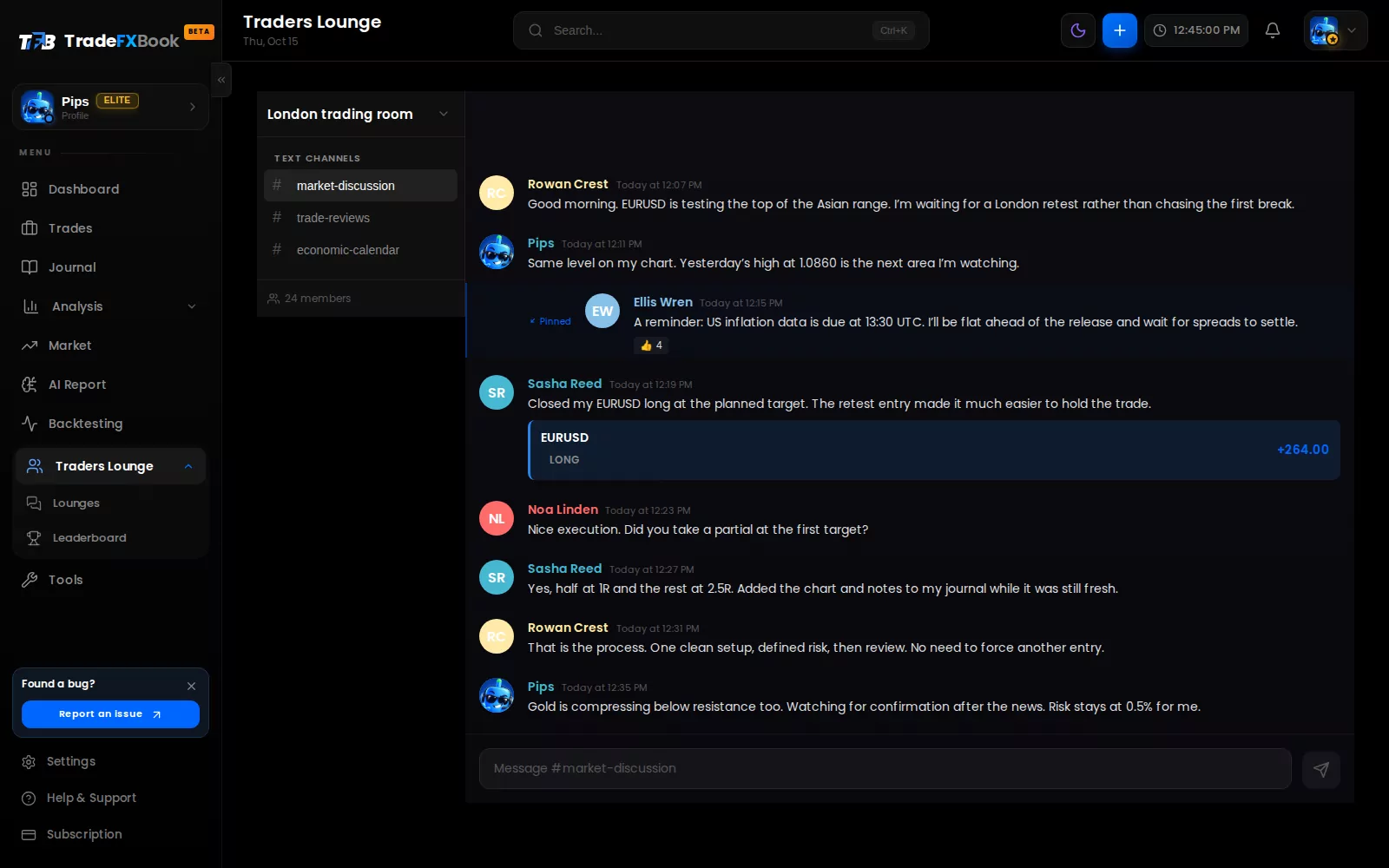
Traders Lounge provides community chat and trade rooms on Pro and Elite. Use the conversation to compare reasoning: the market context, the trigger and what would invalidate the idea. Encourage members to discuss a planned loss with the same care as a win.
A shared routine makes contributions easier to read. Ask members to name the setup, state whether the entry followed the plan, and finish with a review question. Keep account-specific feedback in the agreed review setting.
Traders LoungeDiscuss the setup.
Explain the decision.
Use chat and trading rooms for the conversation around the record. The example room shows how trading discussion sits alongside the journal workflow.
Explore Traders Lounge →
 ↗
Questions
Reviews and access.
Answered.
Can a mentor change a student’s trades?
Trader POV share codes are read-only. The viewer cannot edit trades. The owner chooses the sharing window and can revoke access before it expires.
Which plan does the student need?
The owner needs a connected account to share. Pro is $12.99/month for up to 3 MT4/MT5 accounts; Elite is $22.99/month for unlimited accounts. Both include community chat and trade rooms. The viewer can use a valid code on any plan. See plan details.
Are AI reports available in a shared review?
Shared AI report generation requires an Elite account owner with P&L visibility enabled. Use the report’s assessment as a prompt, then check the student’s own trade notes and decisions. Access is still limited to the shared account and its review window.
Your trading, on the recordRead the record.
Have the conversation.
Start for free ↗Start free. Upgrade when you need more.
