Dashboard
1920 × 1080 pixels.
Download WebPPress, partners and affiliates
A short description, original logo files and real product screenshots for your article or project. Keep product facts and plan details accurate.
Use this description when you need a factual overview.
TradeFXBook is a trading journal for forex traders, bringing trade records, written reviews, screenshots and performance analytics together.
TradeFXBook is a trading journal for forex traders. It brings trade records, written reviews, screenshots and performance analytics together. Traders can add trades manually on Free, or connect MT4 and MT5 accounts on Pro and Elite. Pro and Elite include AI trading reports. Elite also includes historical backtesting.
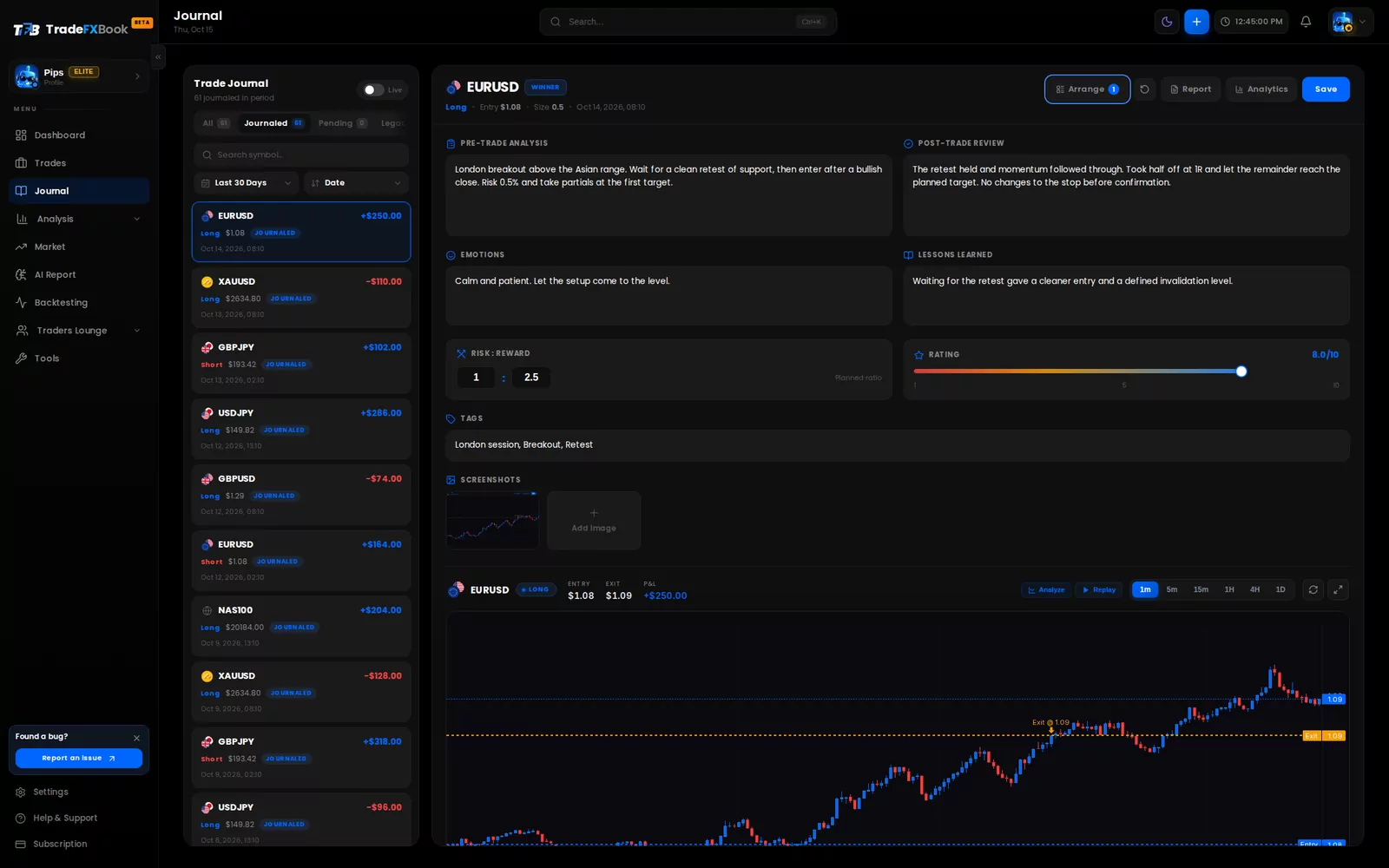
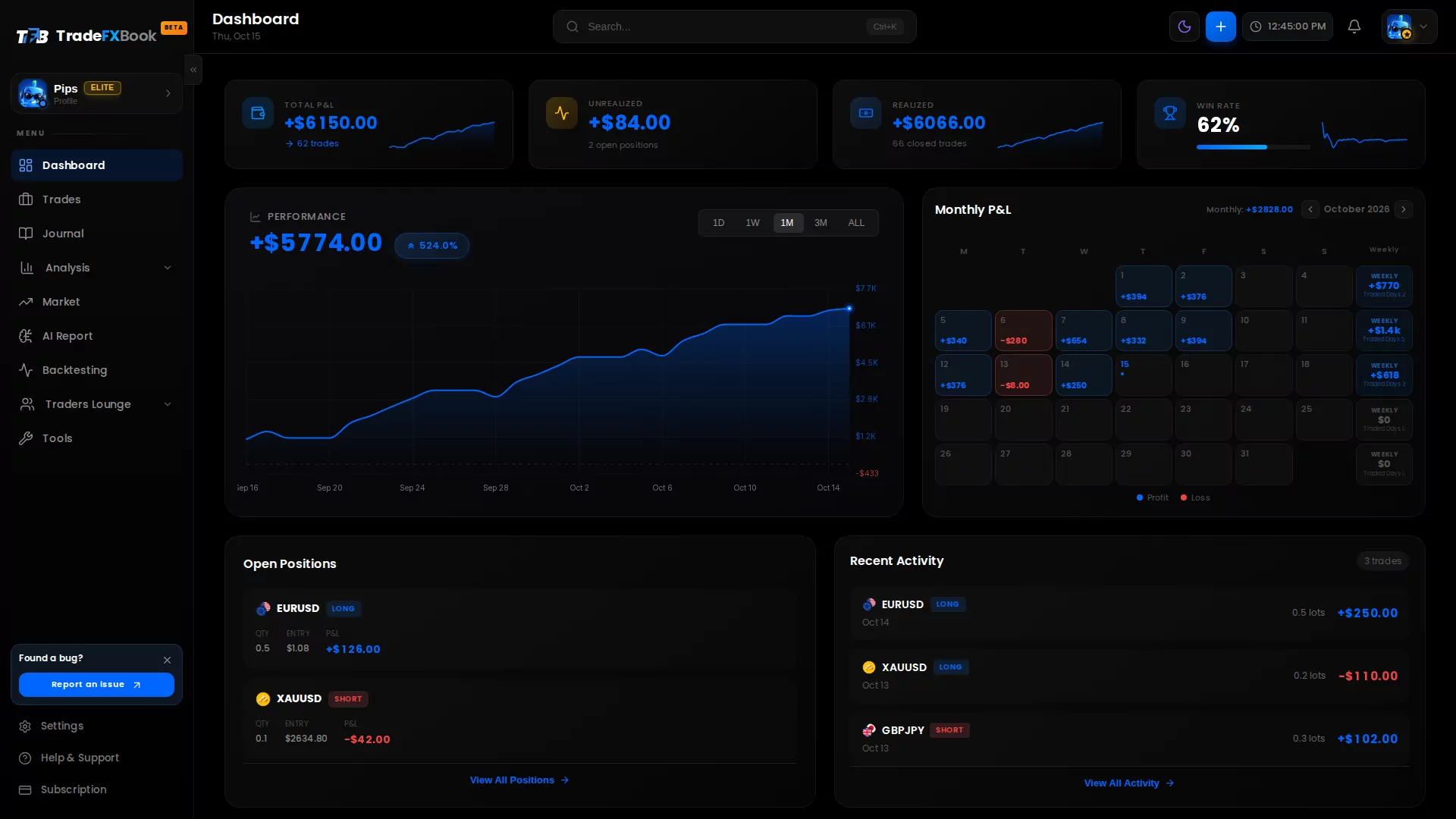
A journal entry can include pre-trade analysis, post-trade review, emotions, lessons, screenshots, tags, risk:reward and a rating. Performance and Trade Analysis views help traders review recorded results. MT4 and MT5 connections include prop firm accounts through the same MetaTrader connection flow.
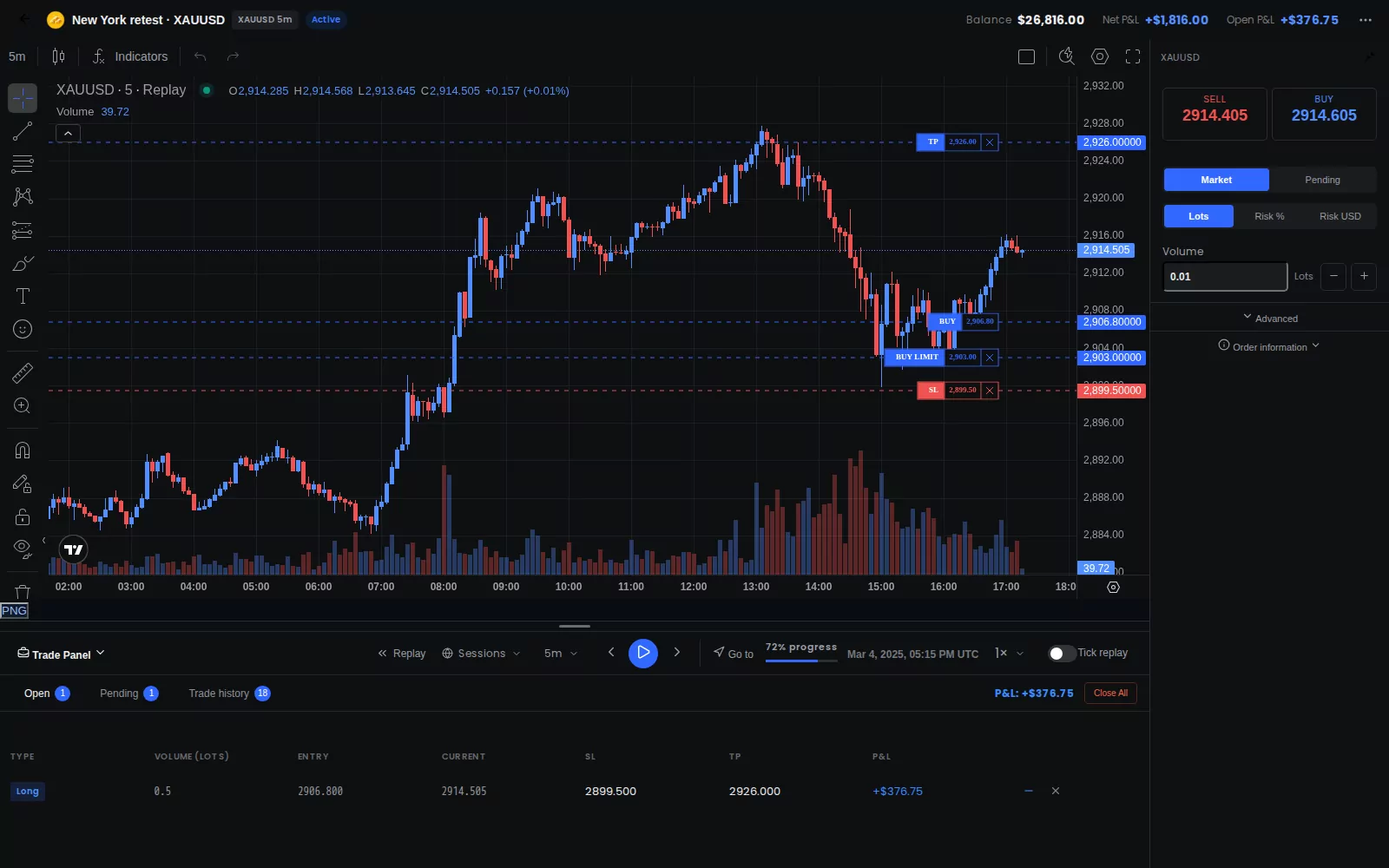
Describe historical backtesting as replay with simulated orders and a session report. Label AI reports as reports based on recorded trades. Keep either description separate from any claim about future returns or trading success.
The text download contains the product boilerplate paragraph, contact route and screenshot context. Check current pricing and plan limits before publishing. Screenshots do not show customer accounts or evidence of trading performance.
Keep the supplied logo artwork intact; the light and dark variants are SVG files.
| Download | File and usage |
|---|---|
| Light logo | White and blue artwork for a dark background. SVG, 443 × 209 viewBox. |
| Dark logo | Dark and blue artwork for a light background. SVG, 443 × 209 viewBox. |
| Product description | The short boilerplate above as a plain text file, with the contact route and screenshot context. |
Select an image for a larger preview, or use its download link for the original WebP.
1920 × 1080 pixels.
Download WebP1600 × 1000 pixels.
Download WebPFor an article about historical replay, download the backtesting screenshot at 1600 × 1000 pixels. It shows a historical chart, simulated orders and replay controls. Keep that context in the caption.
Suggested journal caption: “TradeFXBook journal entry with analysis, review notes and chart context.” Use the original WebP for a full view; the framed previews on this page crop the image for browsing.
Write TradeFXBook with this capitalisation.
| Colour | Value and role |
|---|---|
| Brand blue | #0066FF. The primary brand colour. |
| Cyan | #00D4FF. The accent colour. |
| Black | #000000. The dark brand background. |
Use the light SVG on a dark background and the dark SVG on a light background. Both supplied logos have a 443 × 209 viewBox. Preserve that ratio when resizing and leave enough surrounding space to keep the name readable. These files do not define a numerical minimum size or clear-space rule, so do not invent one.
Use TradeFXBook as one word with this capitalisation. Name connections as MT4 and MT5 or MetaTrader accounts. If you quote plan access or prices, check the pricing page and identify the applicable plan. Do not turn screenshot trades, chart returns or AI assessments into testimonials or typical-result claims.
Do not add user counts, ratings, awards, named customers or partnership claims that are not supplied here. The kit does not provide a founding date, location, named spokesperson or company history. Request those details from the team if your article needs them.
Include your publication or project, the topic, the asset or fact you need and any deadline. A downloaded logo does not establish endorsement or a partnership. Use the contact route below for those enquiries.
For press, partnership or asset questions, email support@tradefxbook.com . This is the contact route listed on our contact page . See the affiliate programme for its terms.
Include your publication or project and the assets you need.