
Alongside your journalKeep the scenario
Keep the scenario
beside your record.
The dashboard shows recorded performance. Use your trade history and journal notes when reviewing a constant-growth assumption.
Explore analytics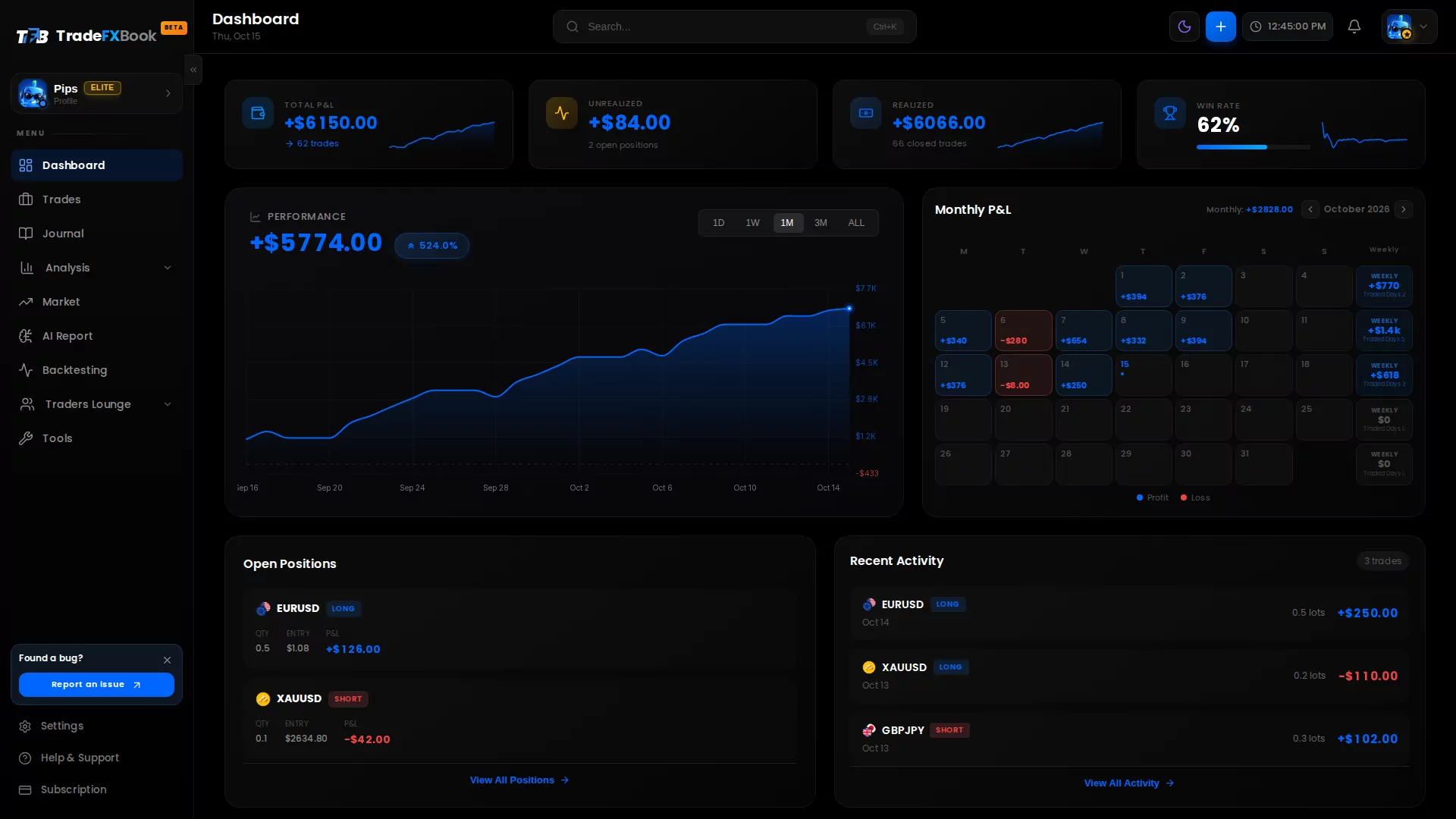
Free forex tools
Model a balance over time with a monthly or yearly growth rate. Add optional monthly contributions and see growth apart from deposits.
Change any input to update the result. No signup, no live rate feed.
Your result
…
Enter your values to see the result.
Projected balance combines your starting money, monthly deposits and repeated growth. “Total deposited” includes the starting balance and every contribution. “Growth” is the final balance minus those deposits. Keeping them separate prevents money you added from being mistaken for a trading return.
Each month, multiply the current balance by one plus the monthly rate, then add that month’s contribution. Repeat for the selected number of whole months. A yearly rate becomes an equivalent monthly rate by taking the twelfth root of one plus the yearly rate and subtracting one. It is not divided by twelve.
Monthly contributions arrive at month end, so they start earning growth in the following month. The rate stays the same throughout the model. Fees, withdrawals and taxes are excluded. Negative rates greater than -100% are allowed.
| Example input | Calculated result |
|---|---|
| $10,000 start, 2% monthly growth, 12 months, no contributions | Projected balance: $12,682.42. Total deposited: $10,000.00. Growth: $2,682.42. |
| $10,000 start, 2% monthly growth, 2 months, $100 monthly contribution | Month 1: $10,300. Month 2: $10,606. Total deposited: $10,200. Growth: $406. |
In the second example, the first month is $10,000 × 1.02 + $100 = $10,300. The second is $10,300 × 1.02 + $100 = $10,606. Only the first contribution earns any growth during these two months. Both rates are illustrative assumptions, not expected trading returns.
Keep contributions and rate assumptions separate, then compare scenarios by changing one input at a time. Check a lower or negative rate as well as a positive one. Compare the assumptions with recorded results, while keeping the projected balance distinct from an account target or promise.
A constant return is an input to the scenario. The calculator does not estimate a return from your trading history.
The same tool inside the app.
The dashboard shows recorded performance. Use your trade history and journal notes when reviewing a constant-growth assumption.
Explore analyticsAt the end of each month, after that month’s growth. A contribution in the final month does not earn growth during this calculation.
Yes. Enter a negative rate greater than -100%. The same rate repeats each period, so this scenario does not show changing trading results.
No. The calculator uses an equivalent compounded monthly rate. This preserves the yearly return when there are no contributions.
Keep your trades and notes together in TradeFXBook.