
Alongside your journalCheck the size.
Check the size.
Keep risk separate.
Margin and stop-loss risk are separate. The app’s position size calculator helps with the size of the trade.
Check position size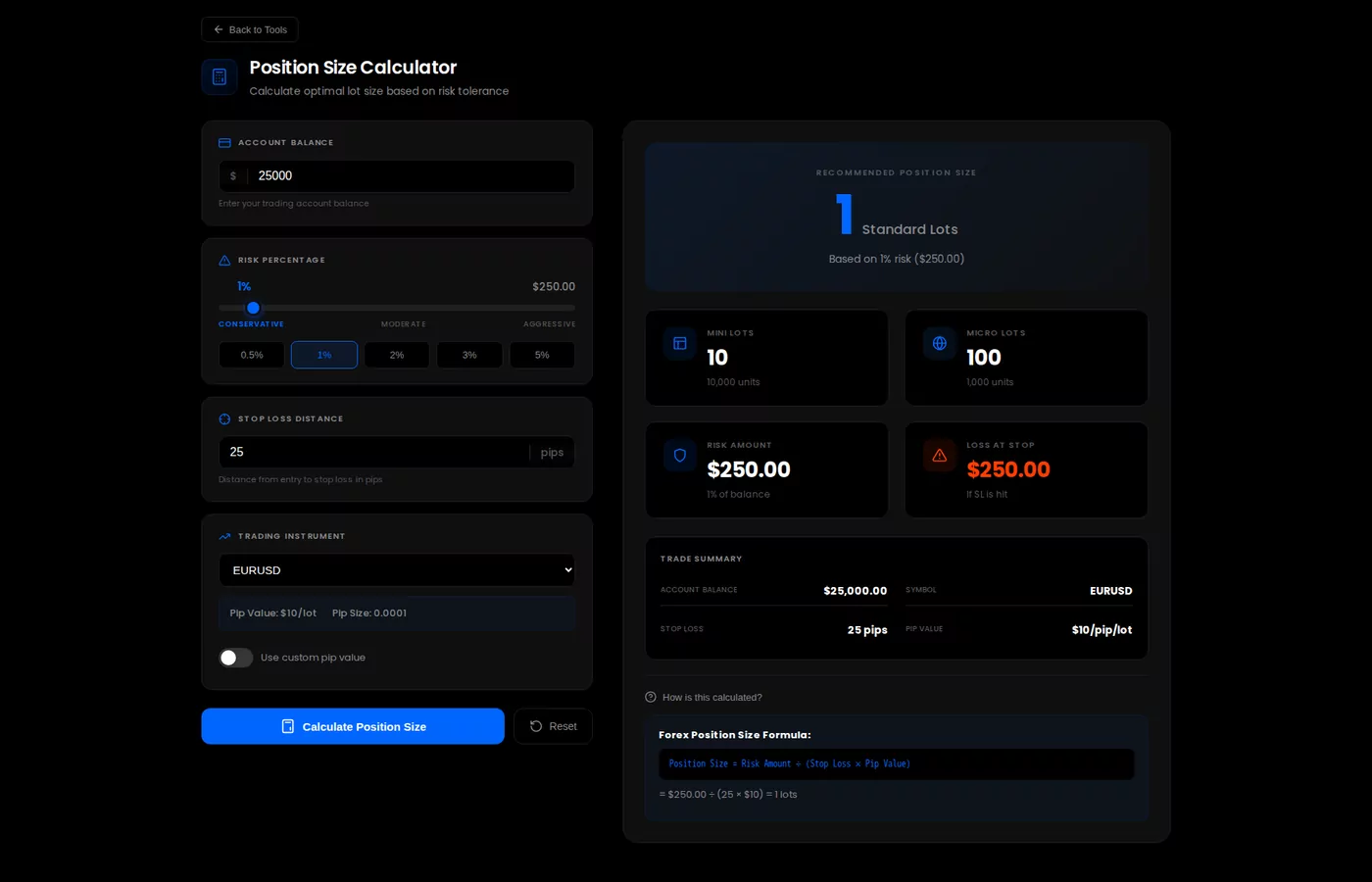
Free forex tools
Estimate the margin for your forex or gold position from its size, entry price and leverage.
Change any input to update the result. No signup, no live rate feed.
Your result
…
Enter your values to see the result.
Required margin is the estimated collateral for the position at the flat leverage you entered. “Position value” is the larger market exposure in account currency. The margin rate is the fraction of that exposure required as collateral. Margin does not tell you the loss at your stop or the maximum possible loss.
Multiply lots by contract size to find position quantity. Multiply quantity by the pair price, then by the quote-to-account rate to find position value. Divide that value by leverage to estimate margin. The margin rate is 100 divided by leverage.
Enter 30 for 1:30 leverage, not the margin percentage. The tool assumes 100,000 units per forex lot or 100 oz per XAUUSD lot. It applies one leverage value to the entire position and does not reproduce tiered or account-specific broker schedules.
| Example input | Calculated result |
|---|---|
| 1.00 EURUSD lot, price 1.1000, USD account, 1:30 leverage | 100,000 × 1.10 = $110,000 position value. $110,000 ÷ 30 = $3,666.67 required margin. Margin rate: 3.33%. |
| Same position at 1:100 leverage | Position value remains $110,000. Required margin becomes $1,100.00 and the margin rate is 1.00%. |
Changing leverage reduces the modelled collateral in the second example. It does not change the lot size or the price movement of the position. A separate stop-distance calculation is needed to measure planned trade risk.
Set the position size from your stop and risk rules first. Then estimate collateral using the applicable instrument leverage and conversion. Compare the estimate with the order ticket and consider existing positions separately. Keep any difference in view before placing an order.
A lower margin requirement does not reduce the price exposure of an unchanged position.
The same tool inside the app.
Margin and stop-loss risk are separate. The app’s position size calculator helps with the size of the trade.
Check position sizeNo. Margin is the collateral required to hold the position. It is separate from your stop-loss risk and can be much smaller than the position value.
No. When your account and quote currencies differ, enter the account-currency value of one quote-currency unit. The default 1 is a placeholder. Rates are never fetched automatically.
Brokers can apply different contract sizes, leverage tiers, hedging rules or margin changes around market events. Check the order ticket before trading.
Keep your trades and notes together in TradeFXBook.