
Alongside your journalA price outcome.
A price outcome.
A recorded result.
The trades list brings position sizes and results together. Keep the trade’s notes in your journal.
Explore the journal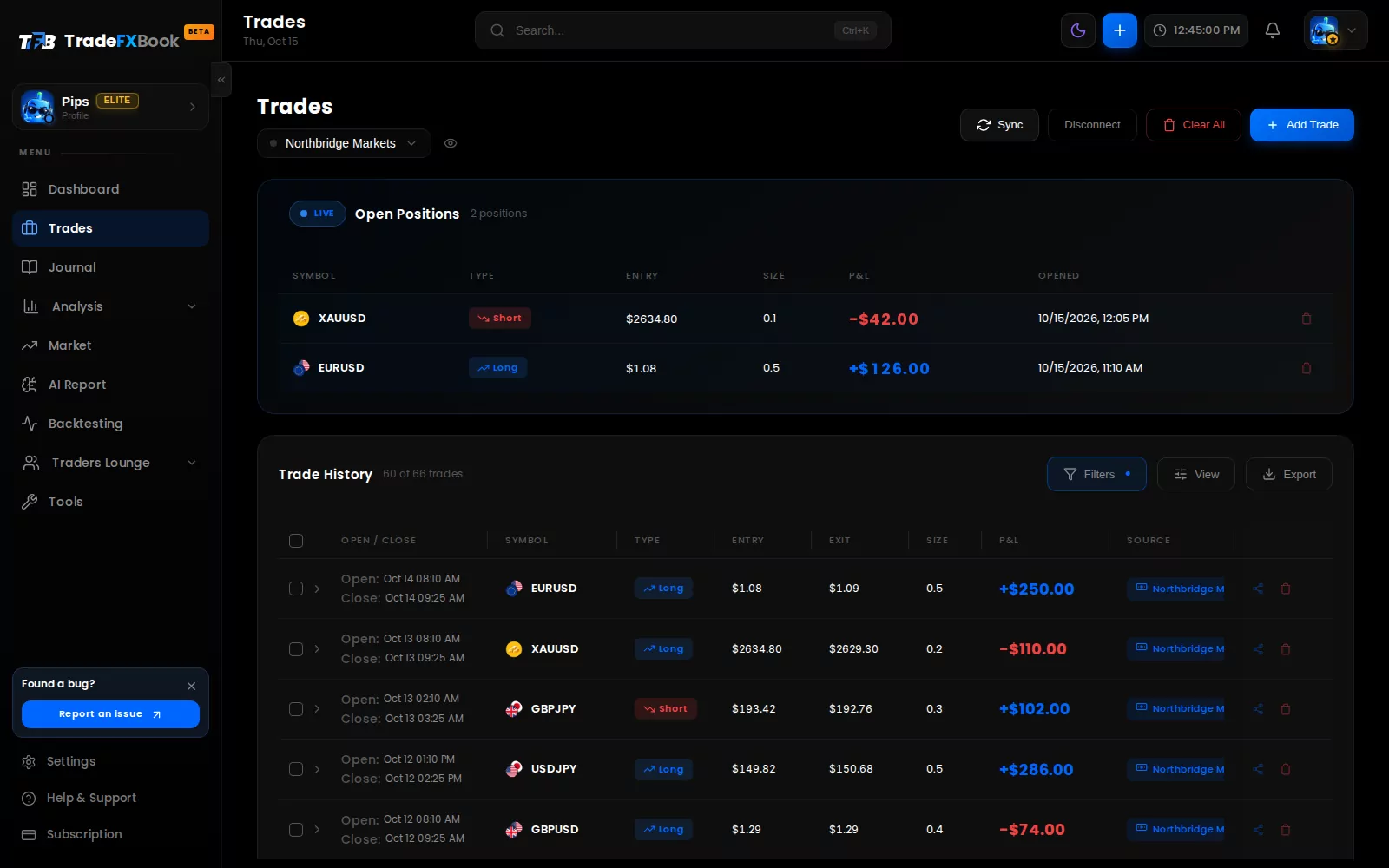
Free forex tools
Work out a buy or sell trade’s result from entry, exit and lot size. Include commission and swap in your account currency.
Change any input to update the result. No signup, no live rate feed.
Your result
…
Enter your values to see the result.
Net profit / loss is the converted price result after the commission and signed swap you entered. Gross profit / loss is the price result before those costs. The pip movement uses the trade direction, so a favourable move is positive for either a buy or a sell. Net costs are commission minus swap credit, or commission plus a swap charge.
For a buy, subtract entry from exit; for a sell, subtract exit from entry. Multiply by lots and contract size, then by the quote-to-account rate. Subtract positive commission and add signed swap. A negative swap input therefore reduces the result.
Forex contracts use 100,000 base-currency units per lot; XAUUSD uses 100 oz. Commission and swap must already be in account currency. Use actual fills when reconciling a closed trade. The tool models one entry and one exit, with one conversion rate.
| Example input | Calculated result |
|---|---|
| Buy 0.50 EURUSD lots at 1.1000, exit 1.1050, USD account, commission 7, swap -2 | 50.00 pips and $250.00 gross. Net costs: $9.00. Net result: $241.00. |
| Same entry, size and costs, with exit at 1.1000 | 0.00 pips and $0.00 gross. Commission and swap still total $9.00, so the net result is -$9.00. |
The first gross result is (1.1050 minus 1.1000) × 0.50 × 100,000 = $250. Subtract $7 and add -$2 to get $241. The second example shows why an exit at the entry price is not necessarily a net break-even trade.
Use a proposed exit to compare scenarios, or actual fills to check a closed trade. Reconcile the gross result, costs and net result with your statement. Record net P&L alongside original risk in your journal so the realised R calculation uses the outcome after costs.
Keep the cost signs consistent: positive commission, negative swap for a charge, positive swap for a credit.
The same tool inside the app.
The trades list brings position sizes and results together. Keep the trade’s notes in your journal.
Explore the journalEnter a swap credit as positive and a swap charge as negative. Enter commission as a positive cost. Both amounts must already be in your account currency.
No. When your account and quote currencies differ, enter the account-currency value of one quote-currency unit. The default 1 is a placeholder. Rates are never fetched automatically.
Use the actual entry and exit prices for the trade. Their difference includes spread paid in those prices. There is no separate spread deduction, so it is not counted twice.
Keep your trades and notes together in TradeFXBook.